




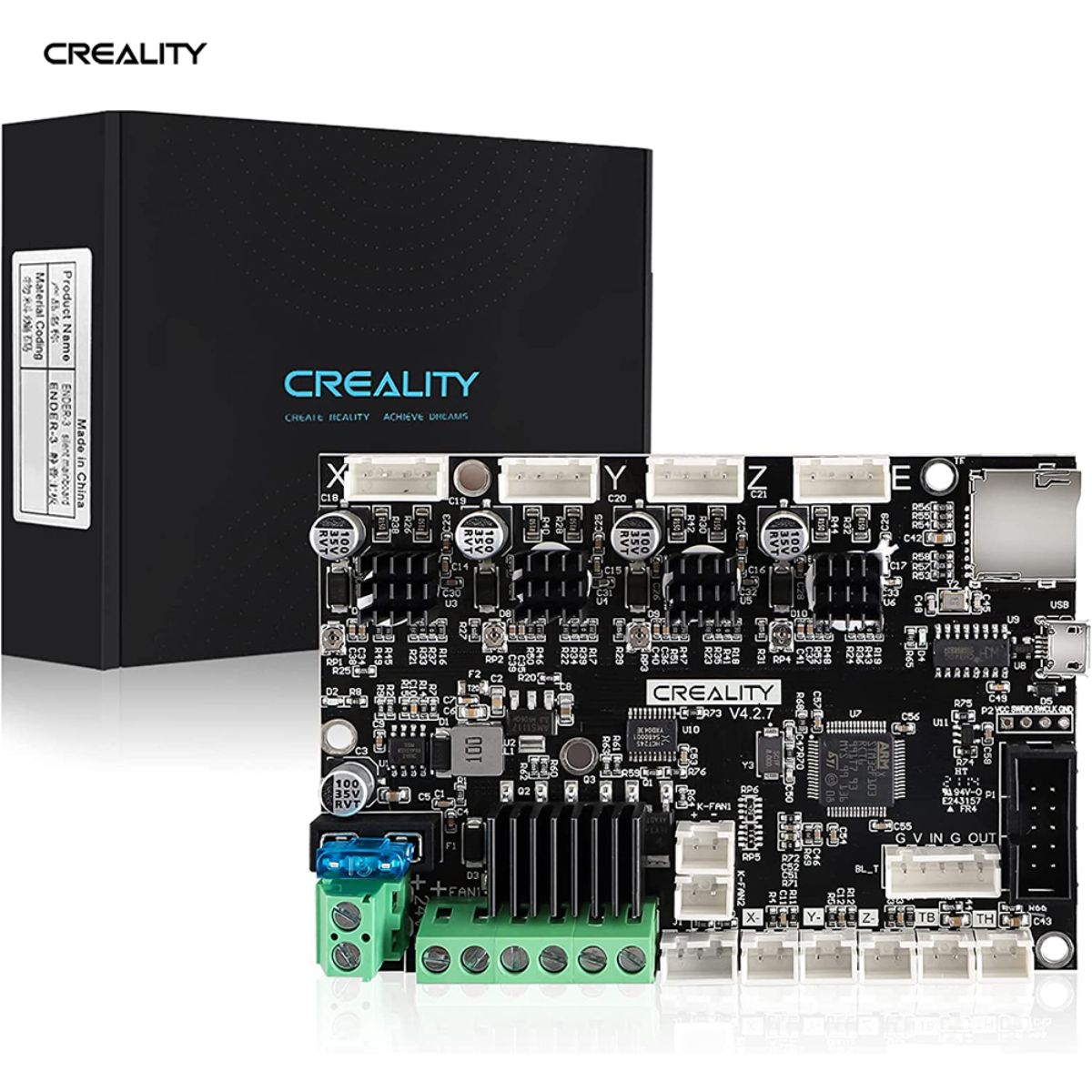
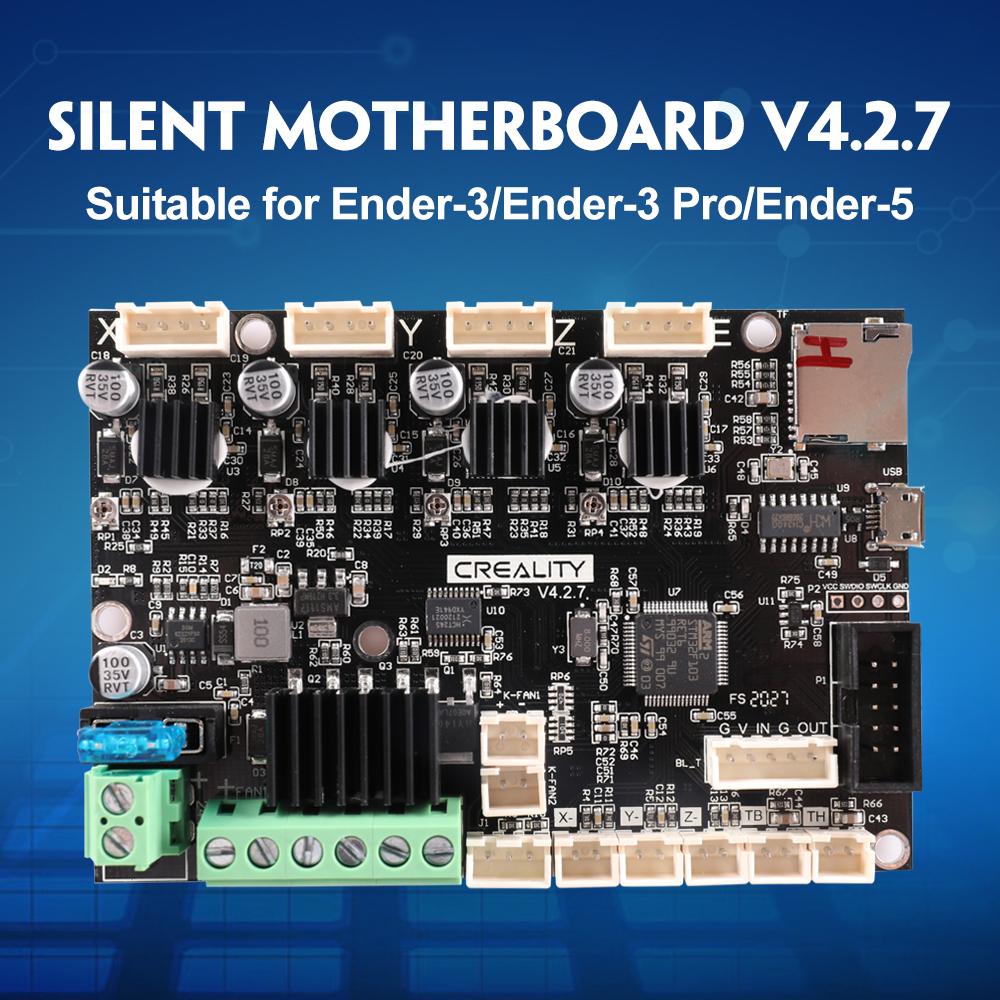
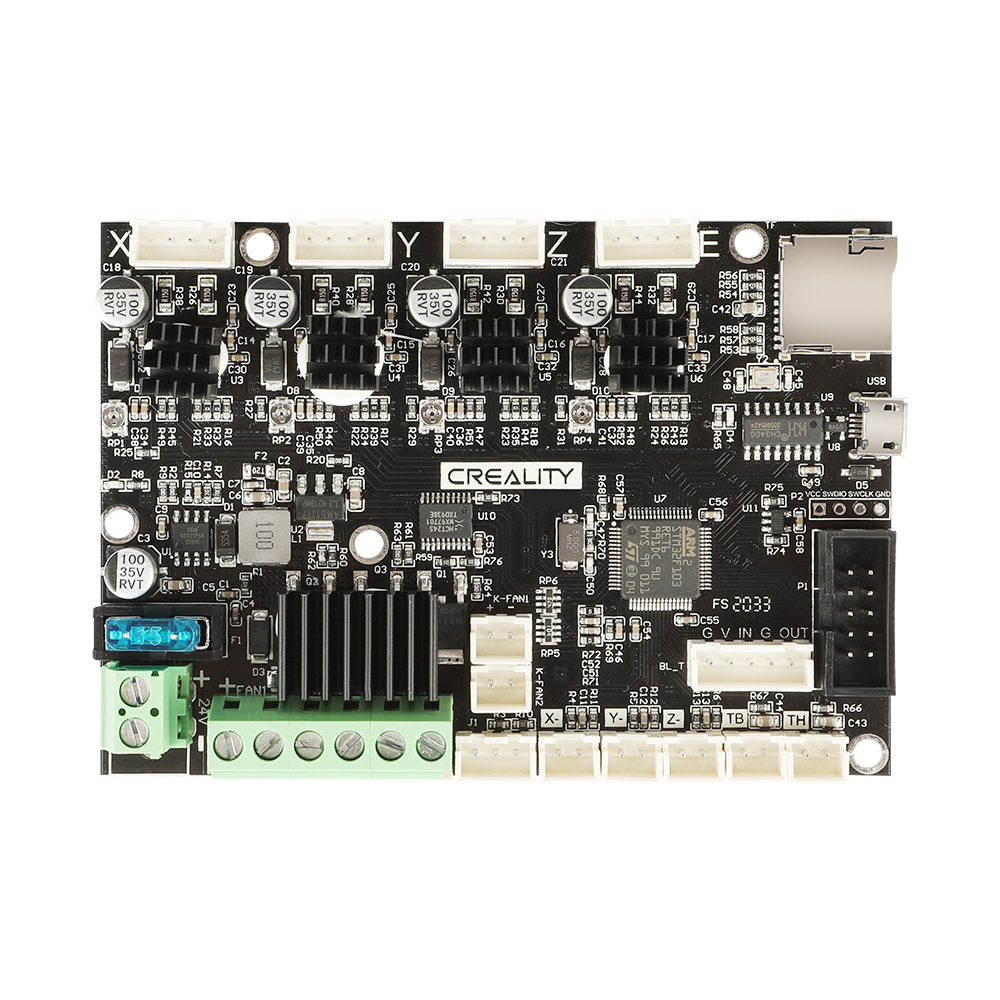
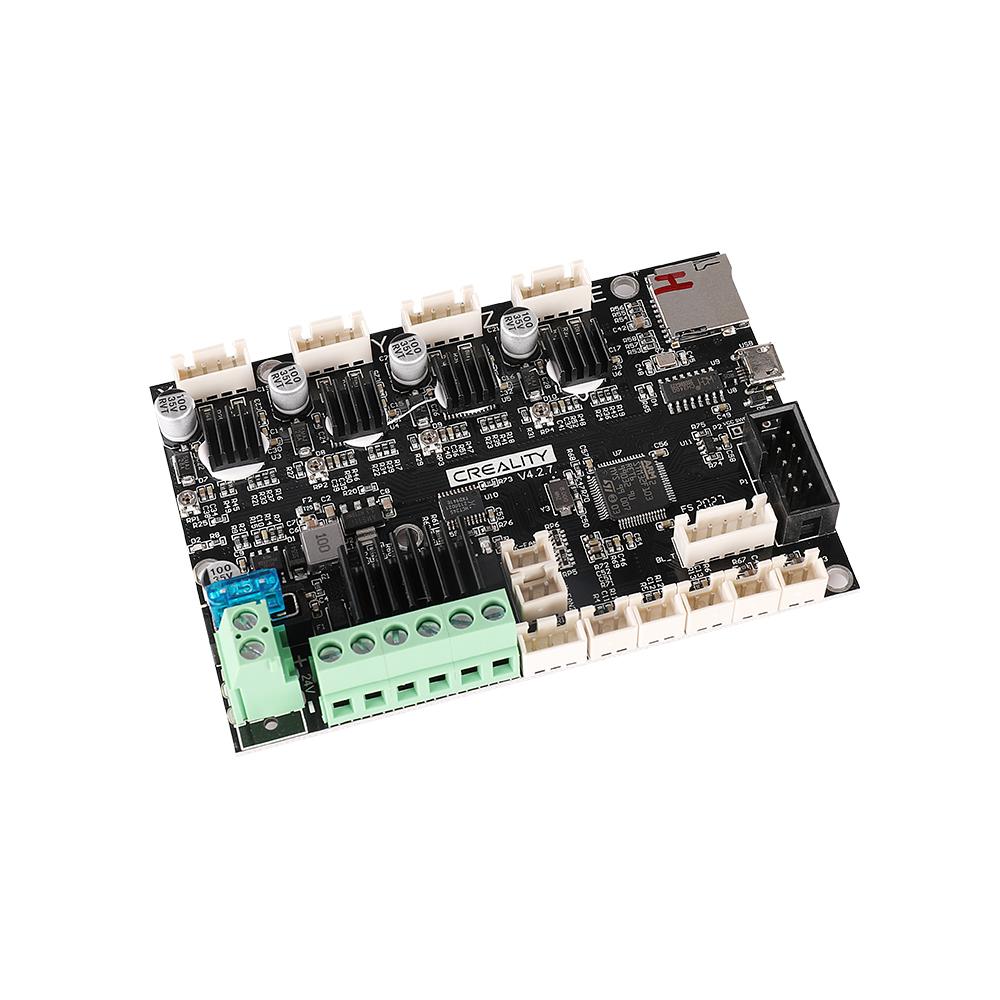
Official Creality V4.2.7 Silent Board TMC2225 Driver Marlin 2.0.1 For Ender-3(Pro)/Ender-3V2/Ender 5/Ender-3Max
€ EUR
€ EUR

Please select product attributes before purchasing~~
Creality Silent Mainboard advantages
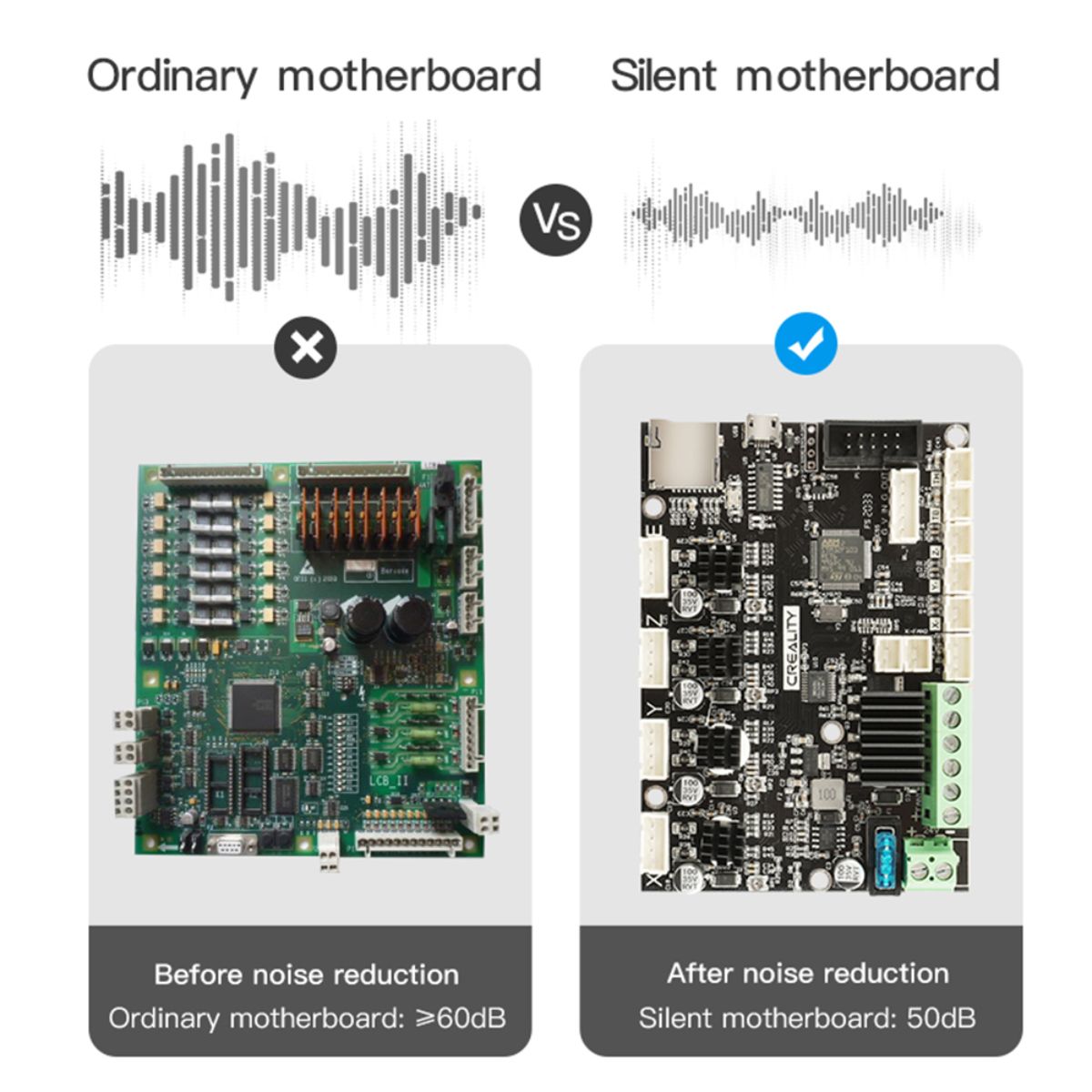
- Super Quiet: The V4.2.7 mainboard comes with a low decibel and silent TMC2225 driver, which makes the sound of the printer running below 50 dB. Support BL-Touch auto-leveling and filament sensor
- Easy Installation: The firmware for Ender 3 /Ender 3 Pro / Ender 5 comes pre-installed NOW! You just plug them in and start printing!
- How to Flash the Firmware: Prepare an SD card less than 8GB, format it first, and then save the firmware in the SD card, making sure there is only firmware reserved in this card. Then plug the SD card into the card slot, turn on the printer and wait for around 10s, when the progress bar and interface appear, the firmware has been successfully updated.
- More Safer: Thermal runaway protection is enabled, if the temperature rises out of control, the printer will stop heating and halt automatically. The Board is Optimized by Circuit, effectively solving the heating problem.
If your machine comes with an 8-bit motherboard, please flash the 8-bit motherboard firmware.
If your machine comes with a 32-bit motherboard, please flash the 32-bit motherboard firmware.
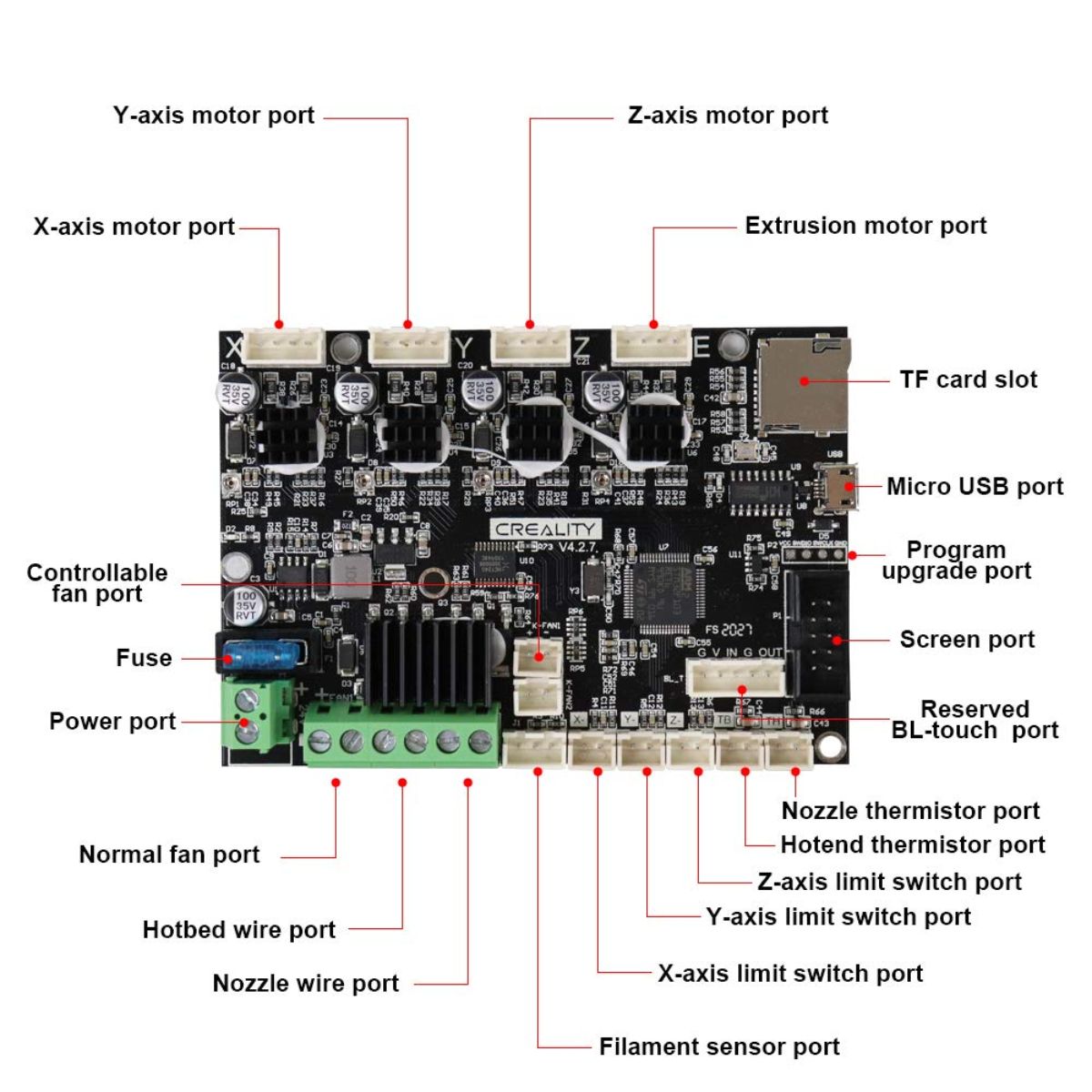
NOTE: The power supply and the hotend fan are distinguished by positive and negative poles, please follow the instructions on the motherboard to connect: "+ "stands for positive, "- " stands for negative
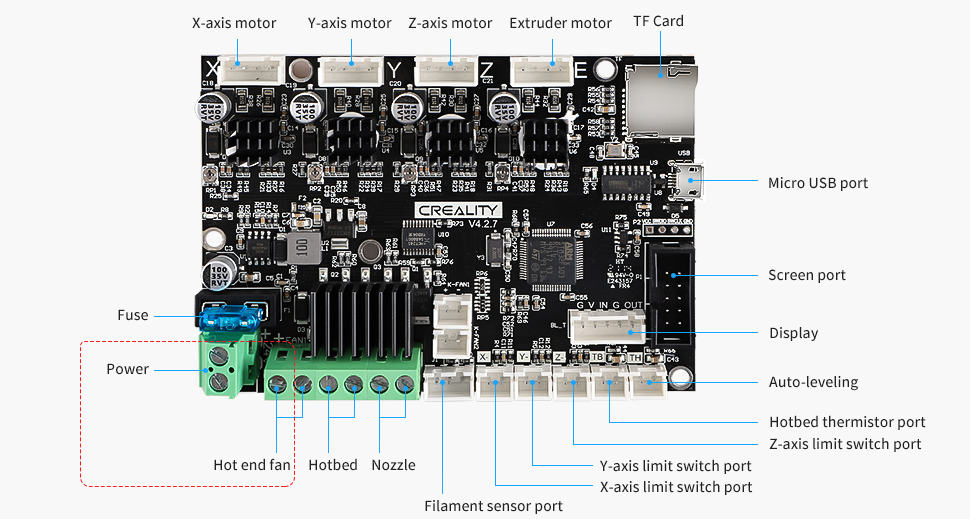
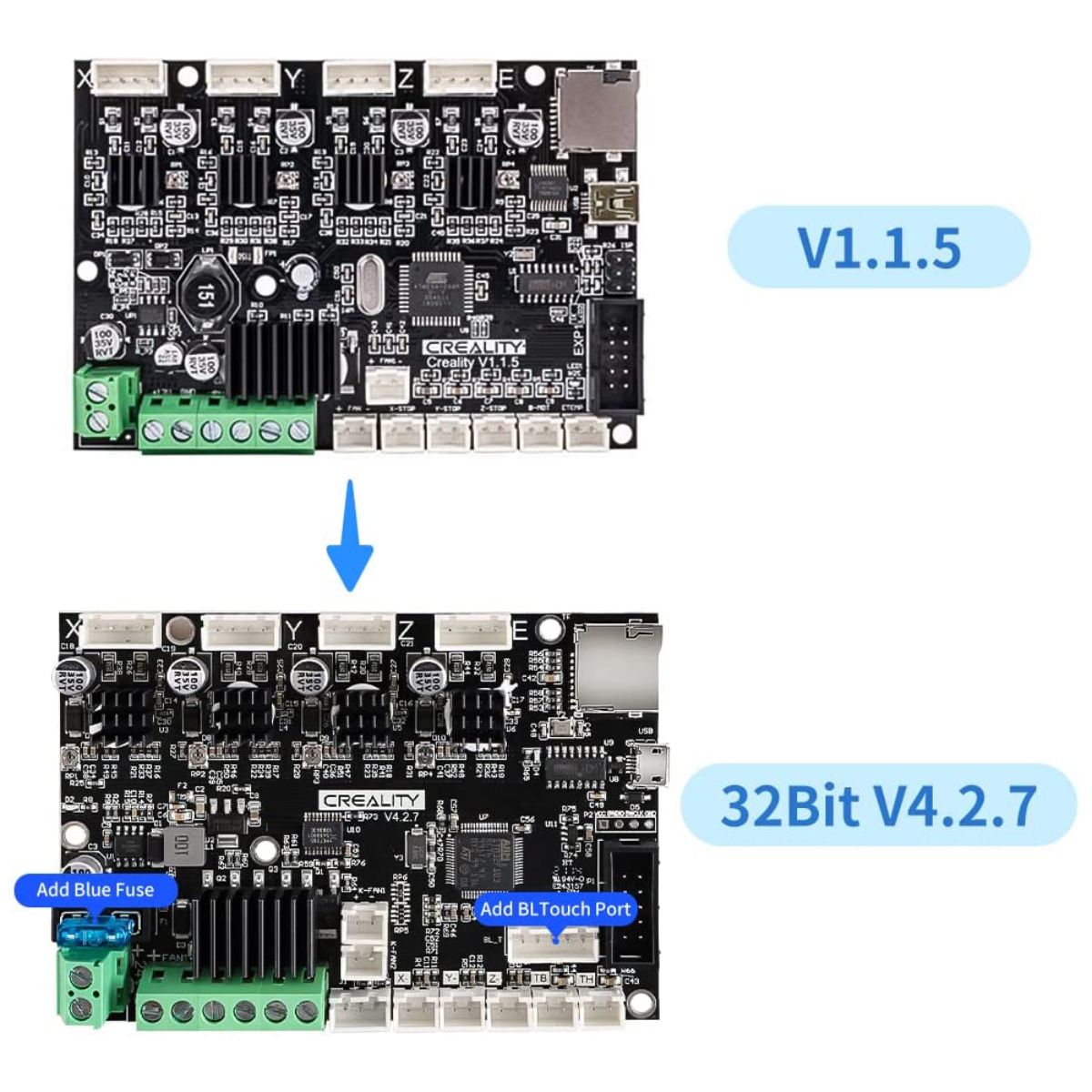
Difference to V1.1.5 Older Version:
- Super Quiet: The microcontroller is upgraded from 8-bit to 32-bit, the running speed is obviously accelerated; the noise is lower and the precision is higher. Increase material breakage detection and automatic leveling function.
- Driver: TMC2208 driver & Marlin 1.1.9 for V1.1.5 mainboard while TMC2225 driver & Marlin 2.0.1 for V4.2.7 mainboard. Bootloader preinstalled on both version boards.
- More Safer: Thermal runaway protection is enabled. The Board is Optimized by Circuit, effectively solve the Heating Problem. Easy to Operate: With USB Port, can be Worked With E/Z/Y/X Axis Motor.
Voltage: Support 24V input voltage.
How to Update Firmware:
For the V4.2.7 board, please copy the firmware file to a formatted SD card with no other files in it. Turn off the printer and unplug the power cord.
Insert the SD card & power cord and turn on the printer. Wait 10s to complete the firmware updating process.
(we recommend a SD Card is in 8-16Gb)
Based on 0 reviews
Write A Review
Ask A Question